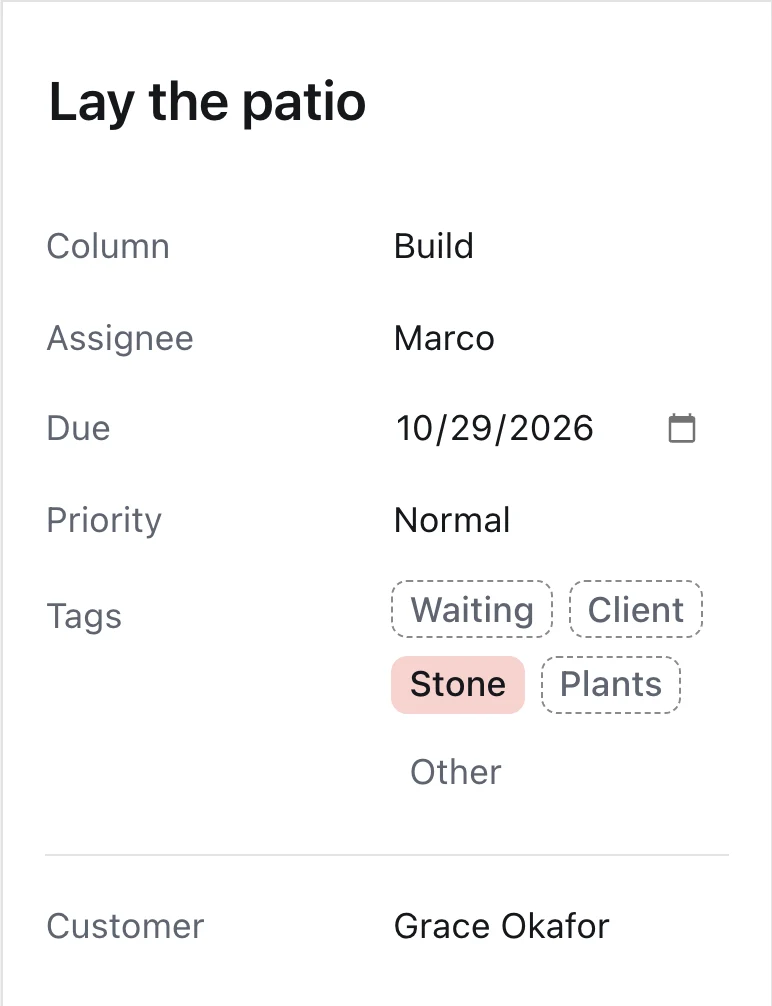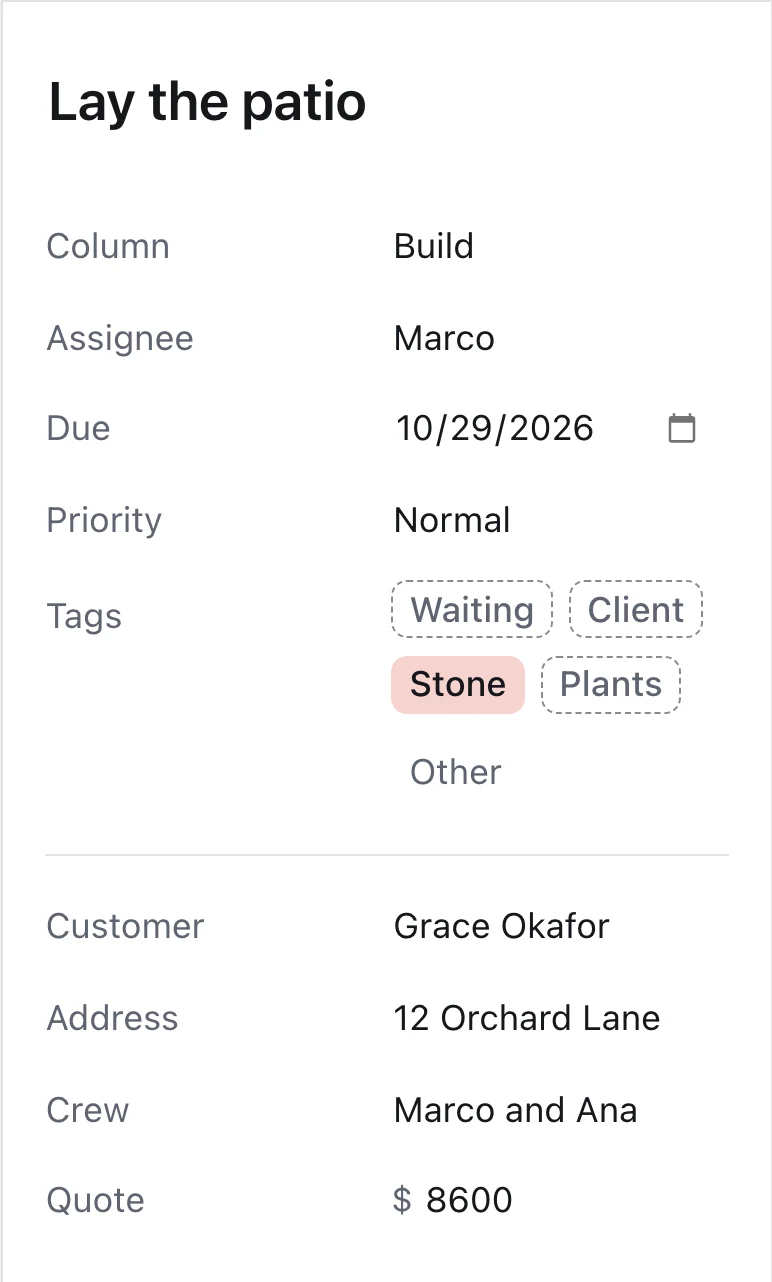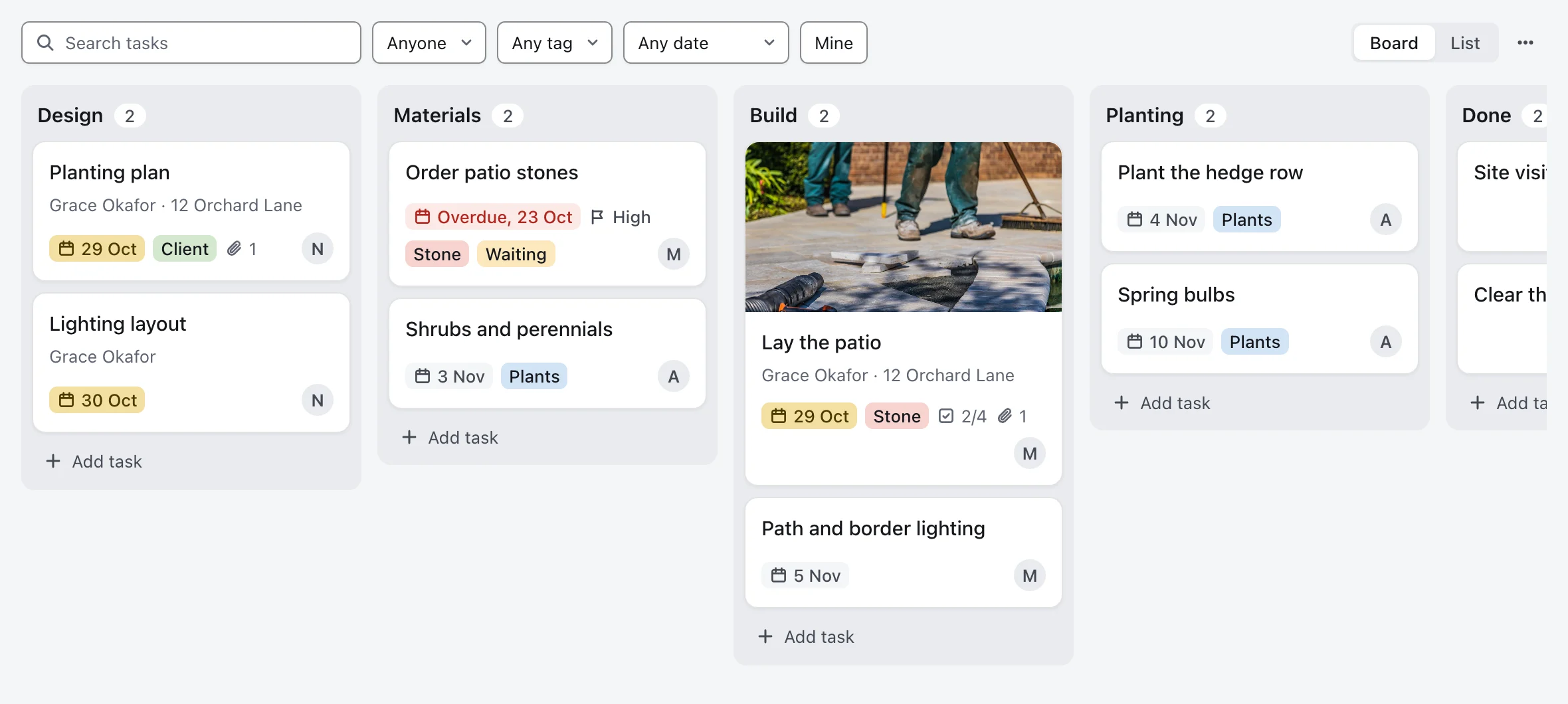
Set up a board for the Okafor backyard: design, materials, build and planting, with the tasks from the proposal.
Done.
Plan a client's onboarding, a site build or a new hire on a board your team shares.
30-day money-back guarantee
Tell the AI what you track on a job, like the address, the crew or the quote. It adds a field for each one to every card and renames the columns to match your steps.
It answers from the board: what's overdue, what hasn't moved in three days, and this week's status. Ask it to add a card or hand one to someone else.
Hiring, an event and client projects can each have their own columns.
Keep clients' details, quotes and invoices in the CRM. The Work Board tracks the jobs you do for them.
Attach it in chat. The AI matches its columns to the board's fields, shows you what goes where, then imports the cards.